
The Google Business Profile: What Are They, And How To Set It Up

christieravenrock
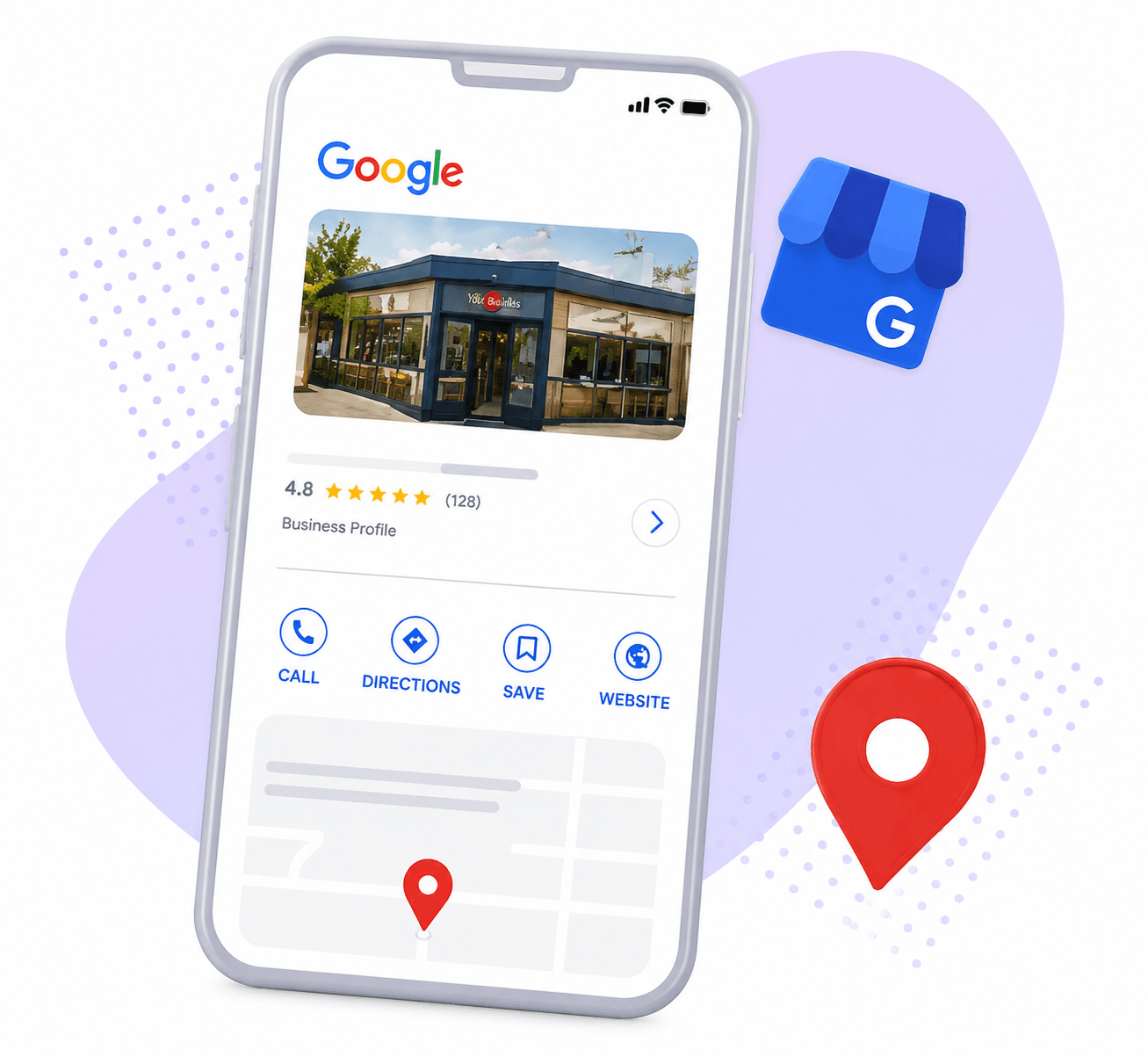
If your business is new to Google or you’re looking to drive more traffic to your website, a Google Business Profile is one of the most important things you can do — and it’s completely free. In our opinion, it’s as essential as having a website. It puts your business in front of people who are actively searching for what you offer, and it builds the kind of credibility that turns searches into customers.
At Raven Rock Agency, we work with small and medium-sized businesses across the country to build strong digital foundations — and a Google Business Profile is always one of the first things we set up. This guide will walk you through everything you need to know: what the profile is, how to create one, how to claim an existing one, and how to get it verified.
What Is A Google Business Profile?
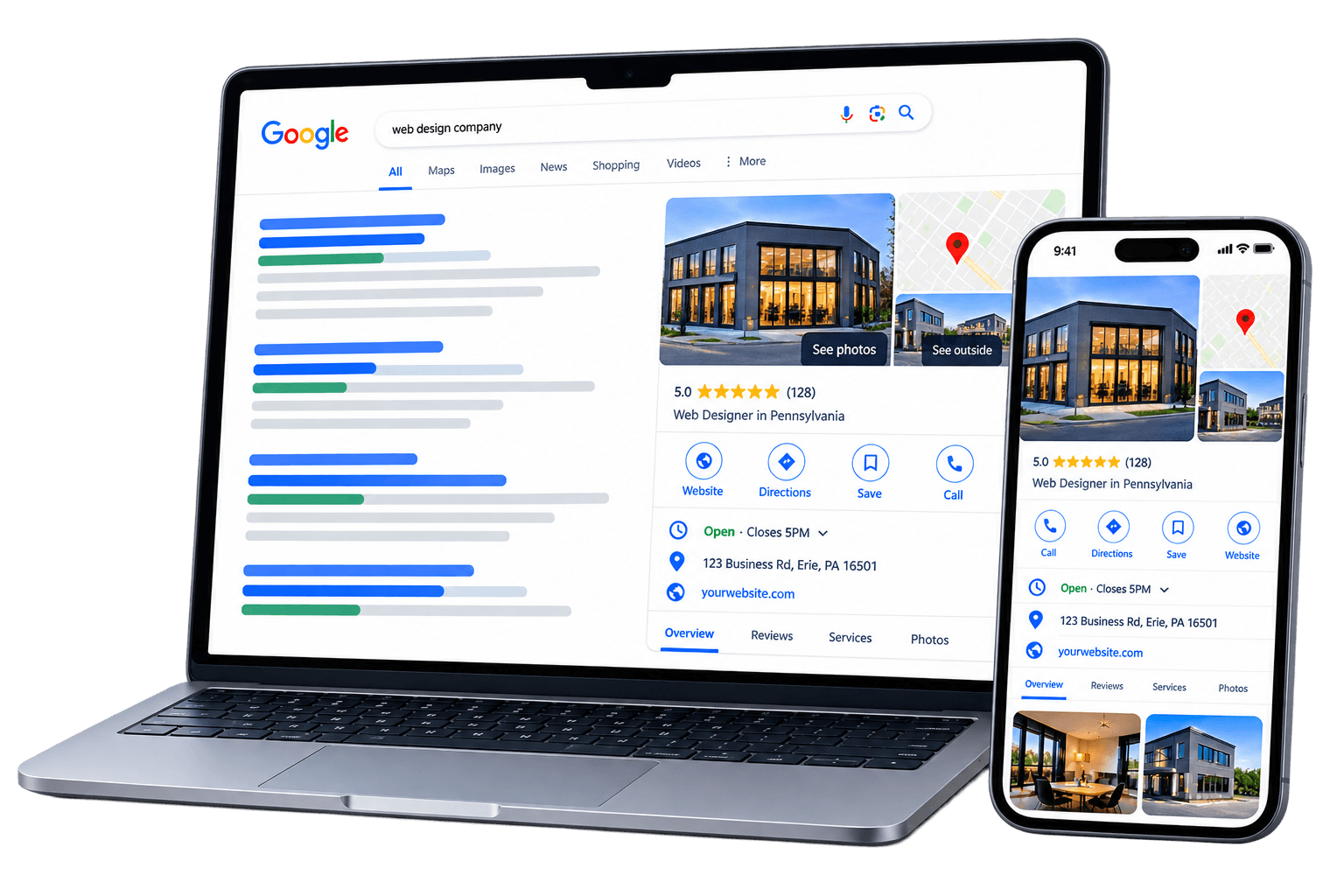
A Google business profile is a free management tool on Google to enhance your business’s credibility, increase activity with your website, and maintain accurate information about your business. This means that as a business, customers will be able to tell you aren’t a spam website. As the owner of the profile, you can gain insights into the keywords used that help find your website, as well as more information about reviews, calls, bookings and more to better connect with your customers.
What makes the Google Business Profile worth it? Firstly, it is completely free to create and it comes with only a few simple steps as well as easy verification. But mostly, the profile amplifies the website in many ways for success, especially with its boosted visibility.
How To Set Up Your
Google Business Profile
Setting up your Google Business Profile takes just four steps and can be completed in under an hour. Here’s exactly how to do it:
1
Go to
business.google.com
2
Click Add your
business to Google
3
Add details
about your business
4
Verify the profile
Claim An Unverified Business Profile
If a profile for your business already exists on Google — which can happen after your website has been live for a while — you can claim and verify it rather than starting from scratch:
-
Open Google Maps
-
Search for your business
-
Select Claim this business, then Manage now
-
Choose a way to verify
Claim An Already Verified Google Business Profile
It may come up that the Business Profile is verified already, you can request ownership from the current profile owner. You can do this through more easy to accomplish steps:
-
Go to business.google.com/add
-
Enter your business’s name and address
-
Choose your business and Request Access
-
Fill out the form
If approved, you’ll get an email and you can now manage the Business Profile. If you are denied, the email will state that you are rejected, but you can suggest an edit to the profile. You can also choose to appeal the decision. After three days of no response, you may be able to claim the profile:
-
Select View request in the confirmation email you received about requesting ownership,
-
Select Verify
How to Verify Your Google Business Profile
Verifying your profile is often done by uploading a video showing key information about your business, this way Google will know that you represent the business. Video verification works for businesses that have a physical storefront, service-area businesses, or hybrid businesses. The type of business influences what you include in your verification video.
If you are creating a new Google Business Profile, it may come in a different form. When creating a profile for the business 412 Color Studio, all that was required was answering a phone call.
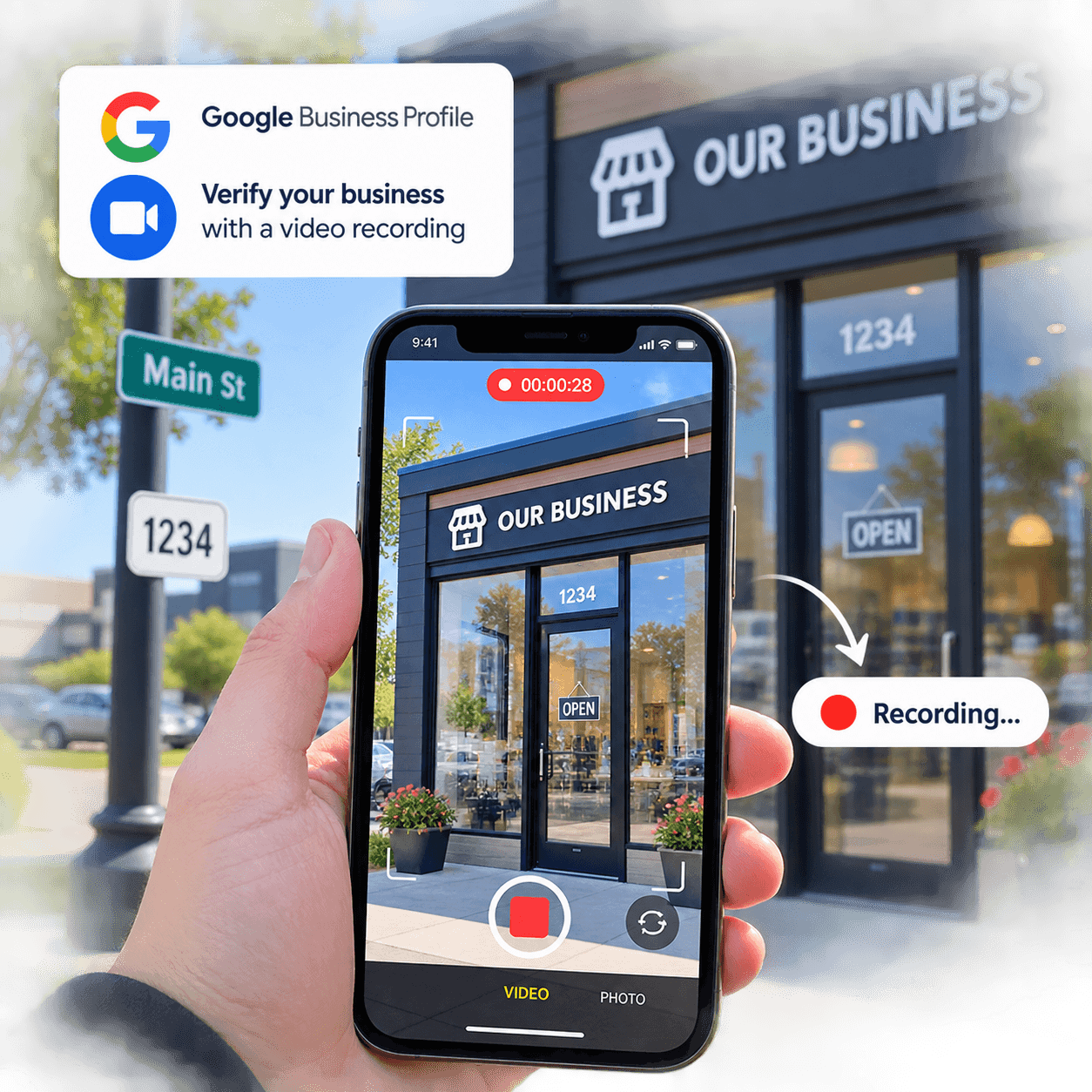
If there is video verification, the video must be unedited and without breaks, at least 30 seconds long, and uploaded from a mobile device through your profile. Do not include sensitive information such as bank account, tax, or ID numbers, private information about yourself or others, or other people’s faces.
Do not include sensitive information such as
-
bank account, tax, or ID numbers
-
private information about yourself or others
-
Other people’s faces.
You are not able to record the video prior and upload it later, the steps must be followed in order to get to the recording process done through Google.
There are different video requirements depending on the type of business. For businesses with a physical storefront and hybrid businesses:
Physical Businesses
Show your business location
this includes street signs, building numbers, nearby businesses, or other familiar locations around your business.
Show proof that the business exists
include your storefront, showroom, or business signage. The name on your profile must match what is displayed.
Show proof of management
prove that you manage or represent the business, meaning record things only an employee can access.
Hybrid Businesses
Show where your business operates
this is similar to the other two options, showing street signs, landmarks, or other identifiers nearby.
Show proof that your business exists
include professional tools used, other equipment, etc.
Show proof of management
show yourself performing a service, or accessing business only assets.
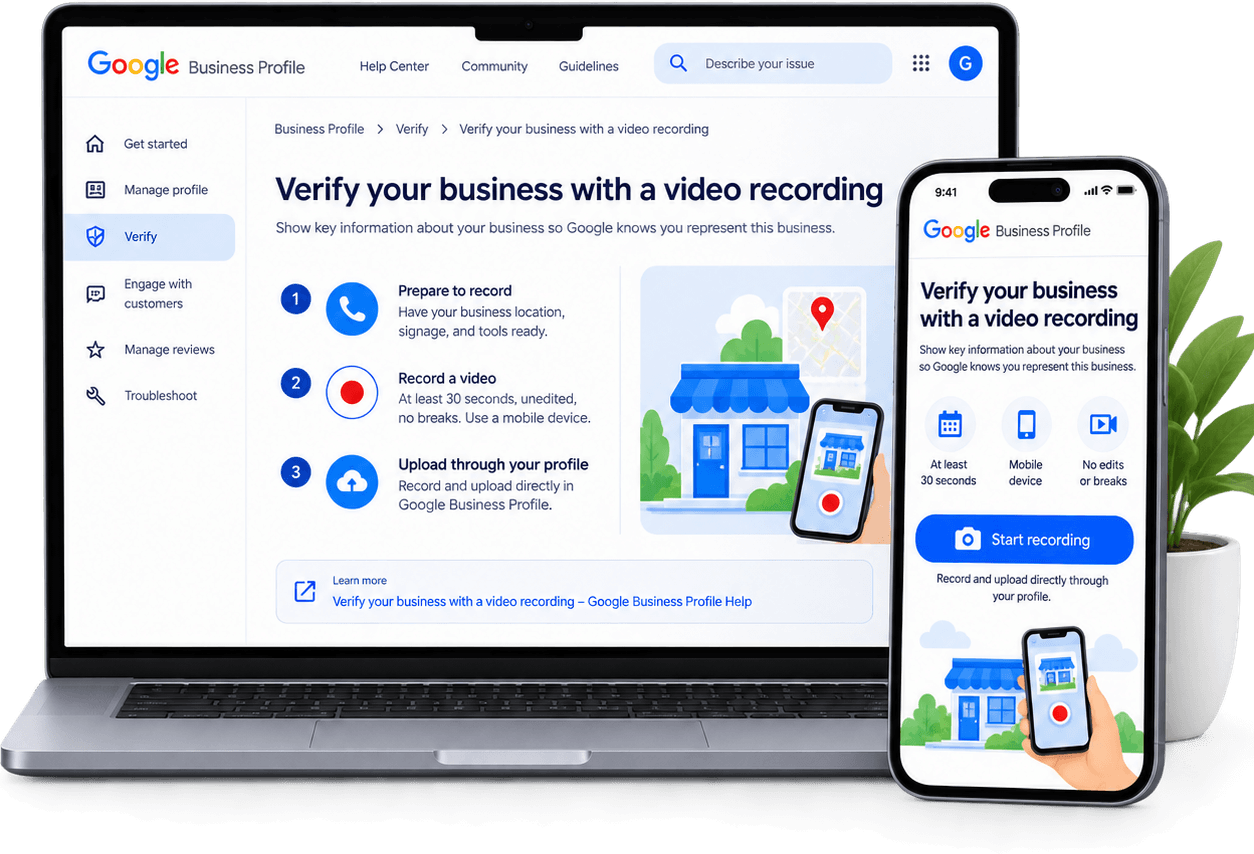
Google thankfully goes over the requirements heavily, keeping it up to date for what each business style needs in order to get verified,
Google thankfully goes over the requirements heavily, keeping it up to date for what each business style needs in order to get verified, Verify your business with a video recording - Google Business Profile Help.
How to Record Your Video
To do a verification by video, you must follow the steps to be able to get to the recording process, once you are prompted to record is when you will be able to create your video. Do not make the video prior to the event of verification as there is no ability to import it from your device, it must be done at the same time as the verification.
The steps to submit your video are as follows:
Step 1 - Record And Upload Your Video
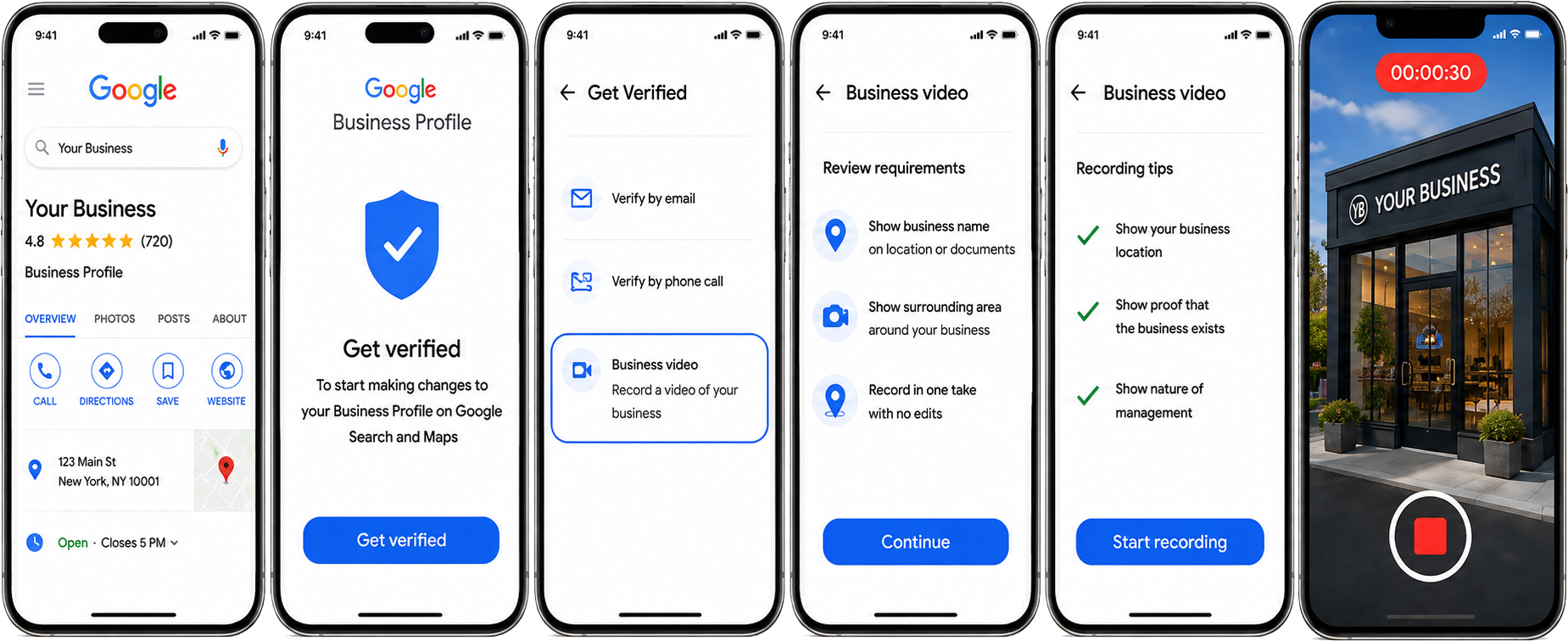
The video must be recorded directly through your business profile on your mobile device — you cannot import a pre-recorded video. To get started:
-
Open your business profile on your phone
-
Tap Get Verified
-
Go to Business video
-
Review your requirements (you may need to allow access to your location, camera, and microphone)
-
Start recording and cover all required information
-
Re-record if needed, then upload
Step 2 - Wait For Review
Google will then review your video, this process can take up to 5 business days. Then you will either get a successful result or an unsuccessful result. If your video was rejected, the reasons as to why it doesn’t meet all the criteria will be shared. You can go over the issues and create a new video to upload.
1
Video Submitted
2
Google review your video
2
Wait for review
2
Wait for review
Why Google Reviews Matter Just As Much As Your Profile
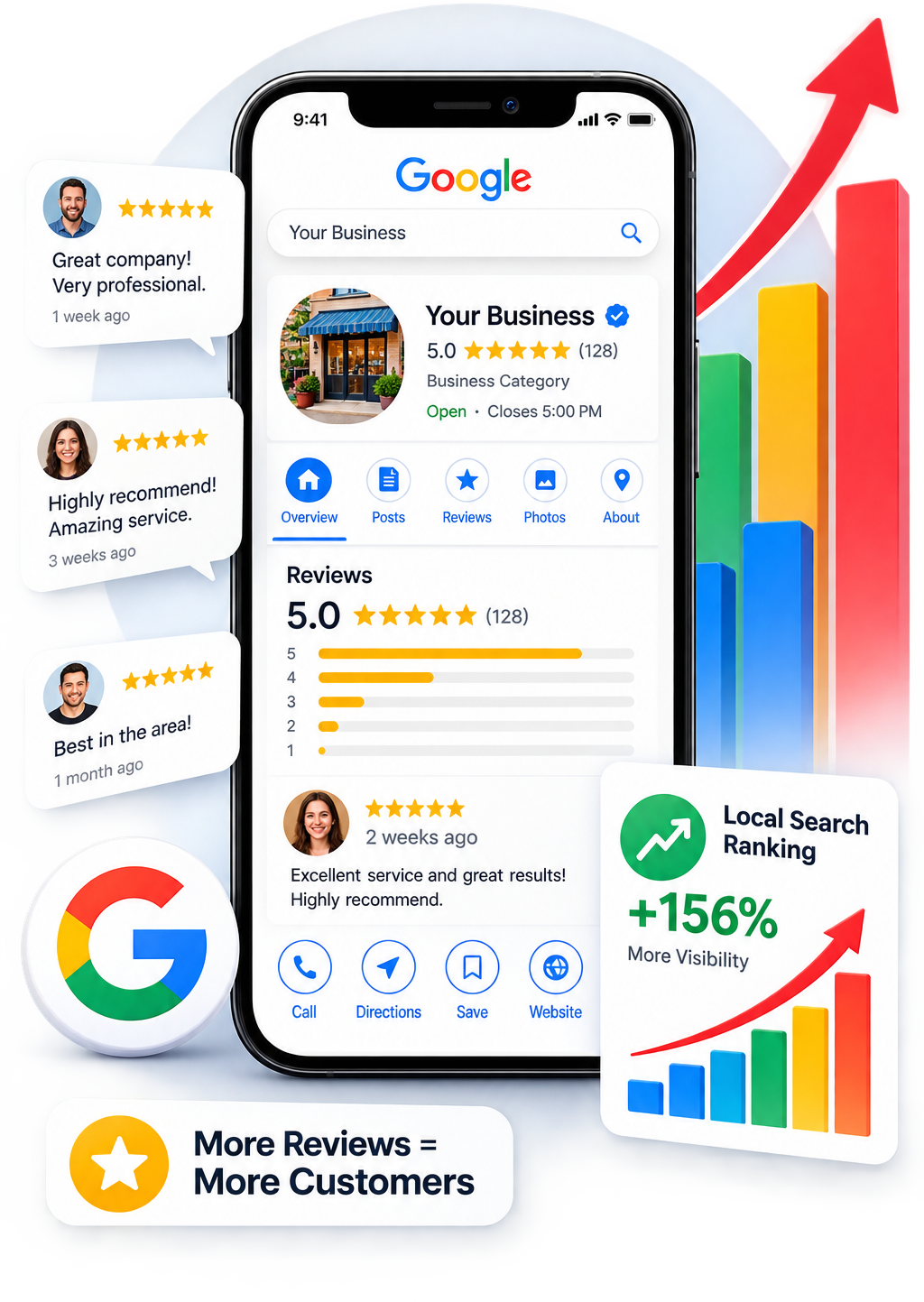
Getting your profile set up is step one — but it’s only the beginning. Once your profile is live, the next step is making sure it’s fully optimized so Google understands exactly what your business does and who it serves. From there, Google reviews become one of the most powerful things working in your favor. Reviews build trust with potential customers, improve your visibility in local search results, and play a direct role in where your business ranks on Google.
Businesses like Grato Property Care, Core Event Center, 412 Color Studio, and Universal Drain Cleaners are actively building their review presence on Google — and it’s making a real difference in how they show up online. More reviews means more credibility, better rankings, and more customers finding them first.
We’ll be covering profile optimization and how to build and manage your Google reviews in upcoming posts. In the meantime, the most important thing is getting your profile set up and verified so you’re ready for both.



A Google Business Profile is one of the simplest, highest-impact steps any business can take online — and it costs nothing to get started.
At Raven Rock Agency, we help small and medium-sized businesses get the kind of results that used to require a large agency budget. This guide is here for everyone, whether you're a client of ours or not.
If you have questions or want a hand getting set up, we're here:
Frequently Asked Questions About Google Business Profiles
Yes, completely. Creating and managing a Google Business Profile costs nothing. All you need is a Google account.
Most businesses can complete the setup in under an hour. Verification may take up to 5 business days if a video review is required, though some businesses are verified faster through a phone call.
Yes. Service-area businesses — like contractors, cleaners, or mobile service providers — can set up a profile without displaying a physical address by specifying the areas they serve instead.
You can request ownership through business.google.com/add. If approved, you’ll be notified by email. If there’s no response within three days, you may be eligible to claim it directly.
Common reasons include the video being edited, too short, missing required proof of location or management, or containing sensitive information. Review Google’s feedback and re-record following the requirements for your business type.
Yes — and this is important. Your Google Business Profile often appears before your website in search results. It adds a layer of credibility and visibility that a website alone can’t provide. For small and medium-sized businesses, it’s one of the highest-return things you can do online for free.